

 Laptops
 Phones & tablets
 Desktops
 Computer Parts
 Accessories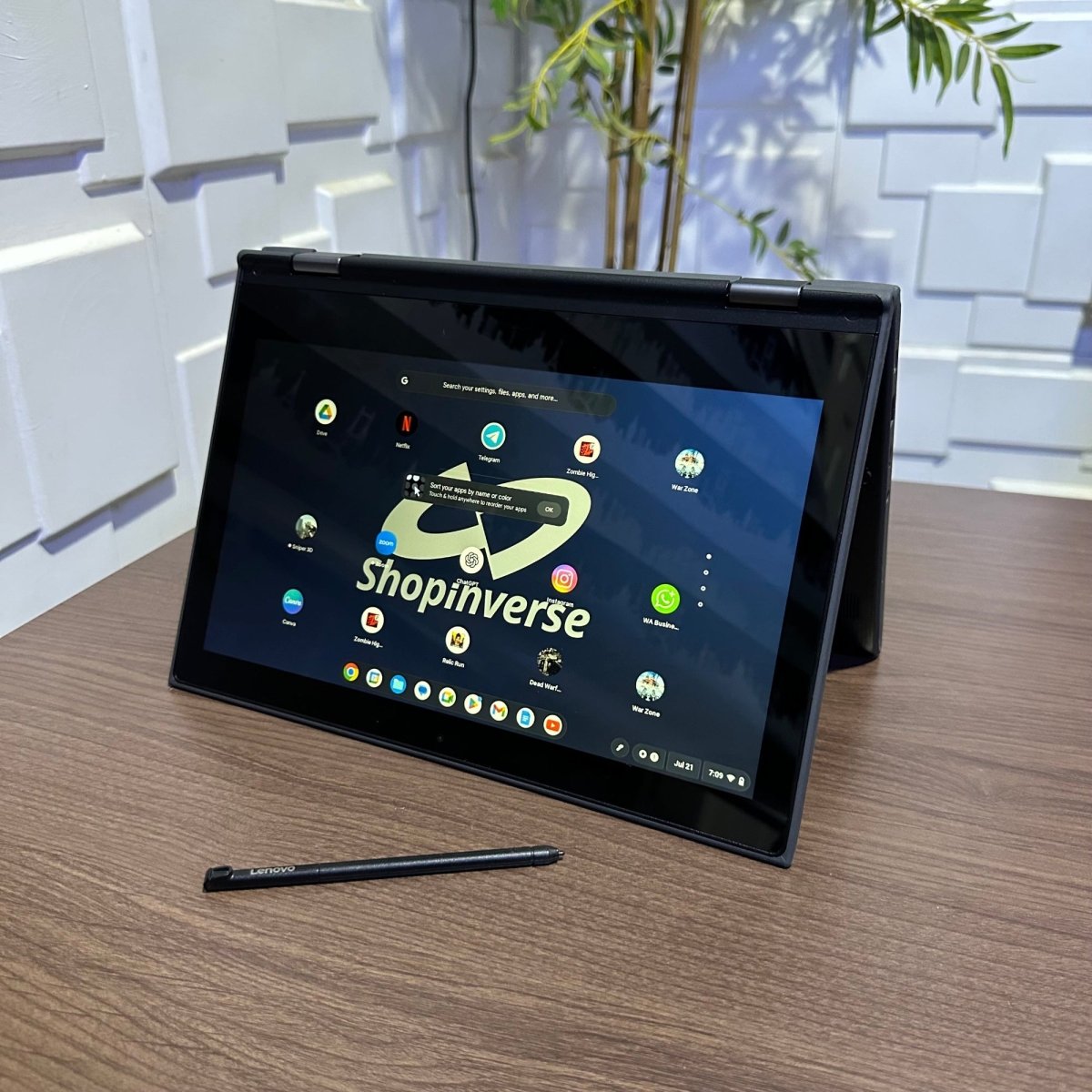
Product highlights

Display

RAM
Storage
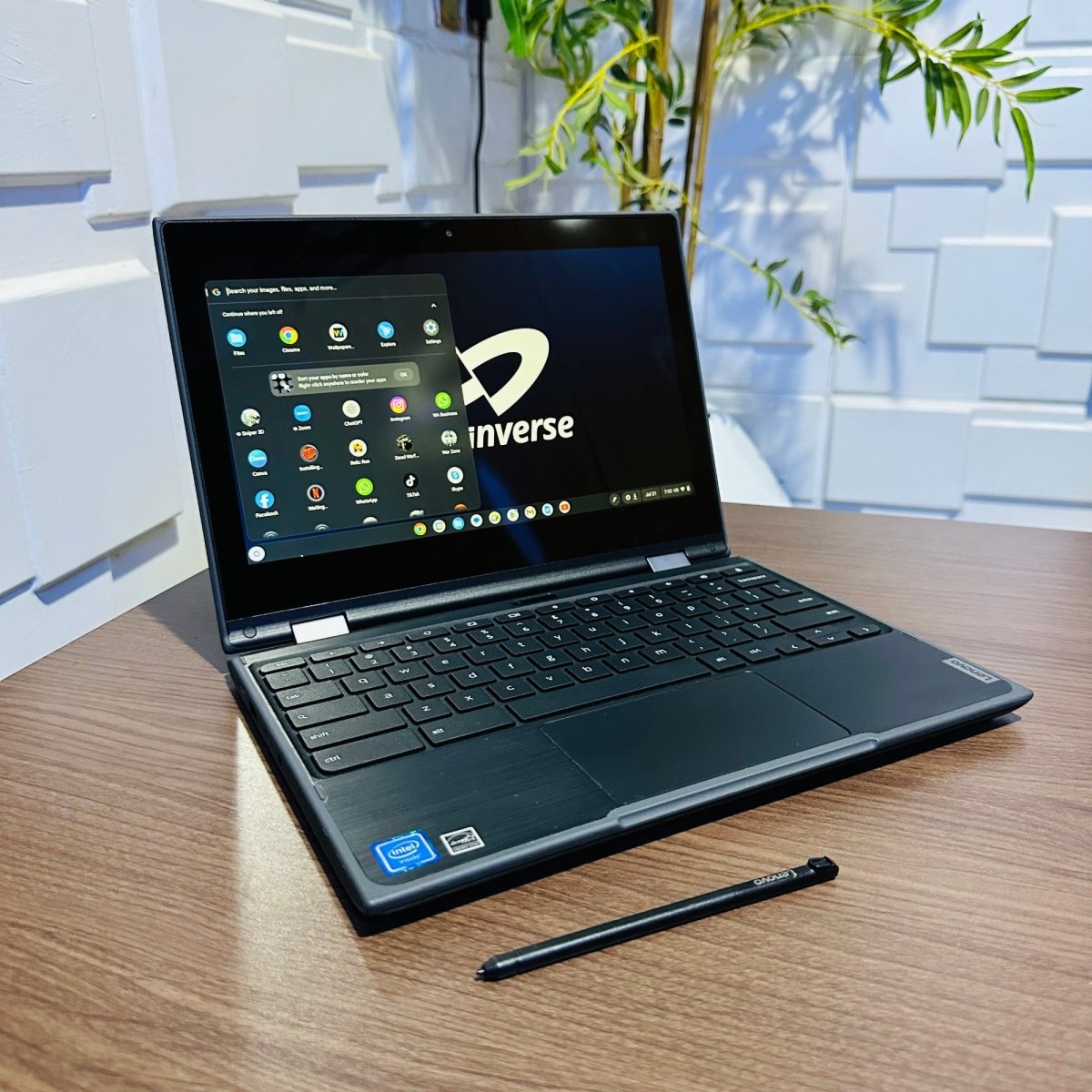
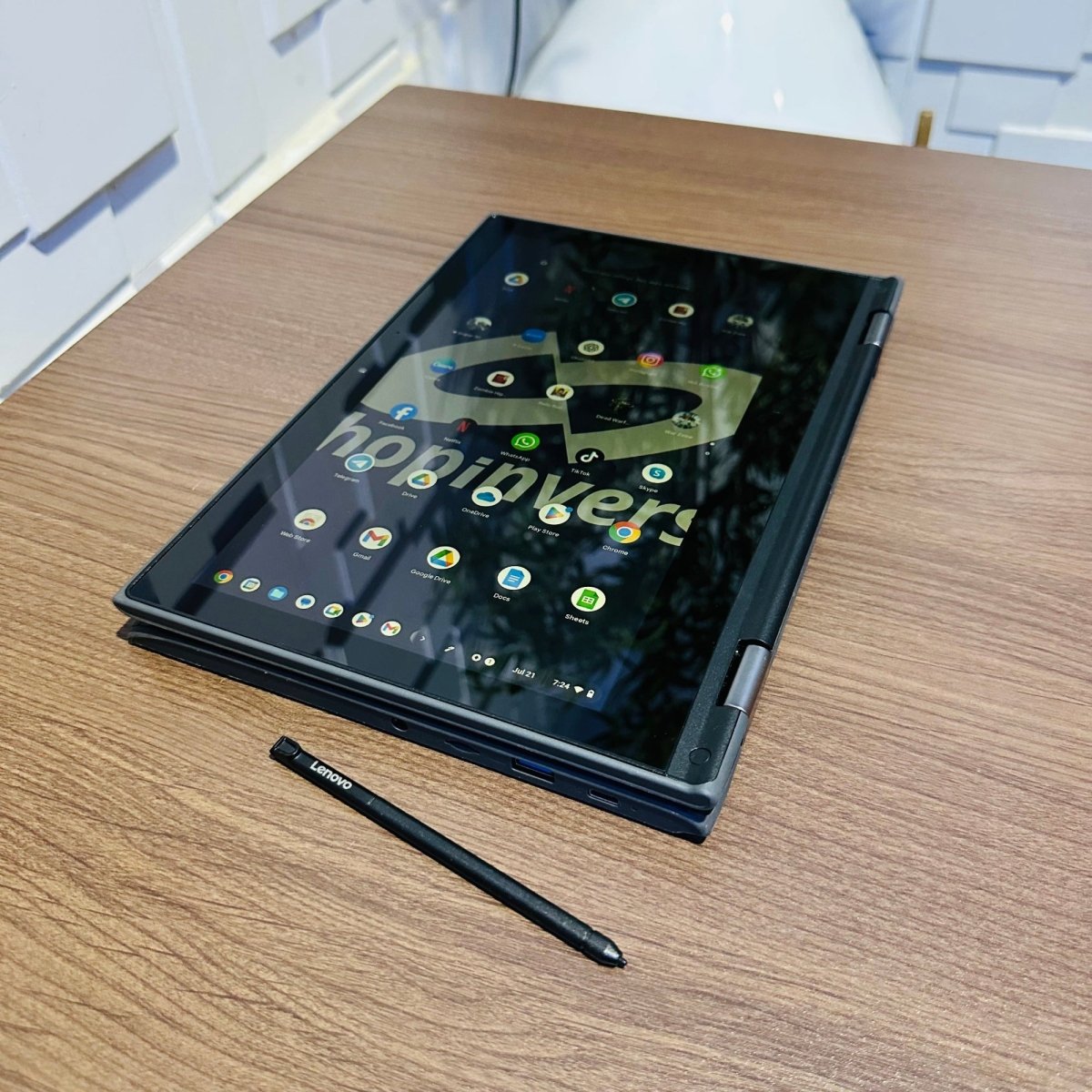
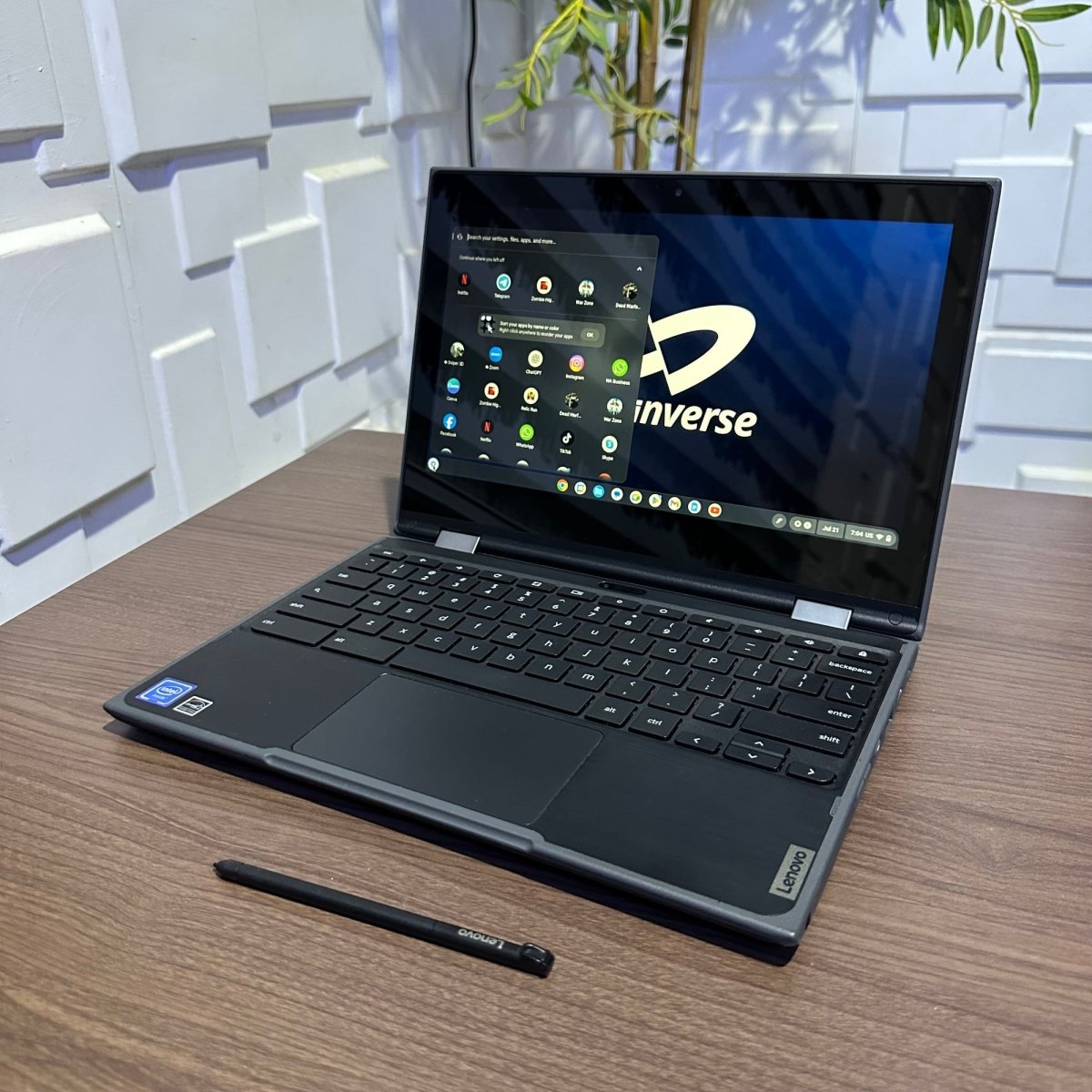
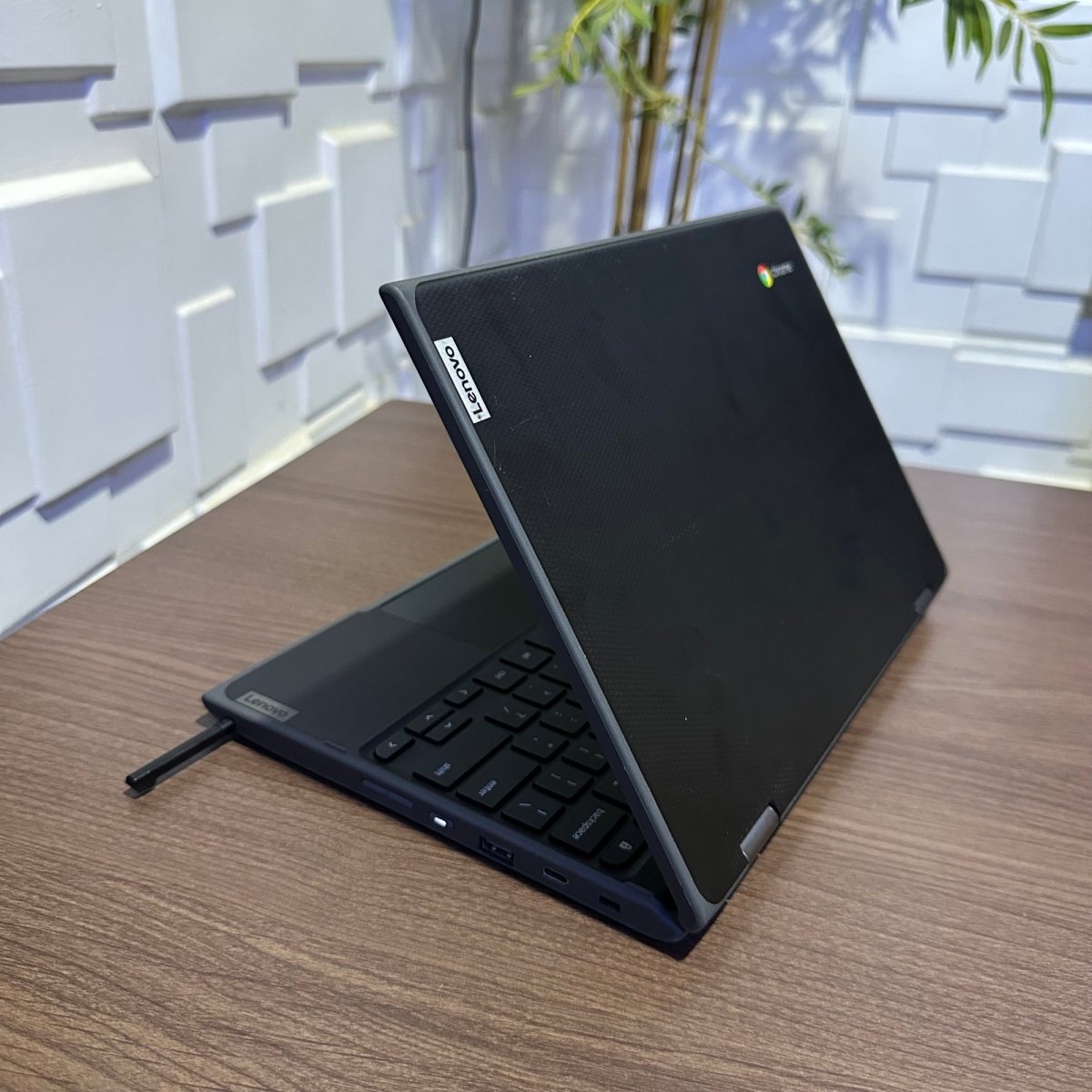
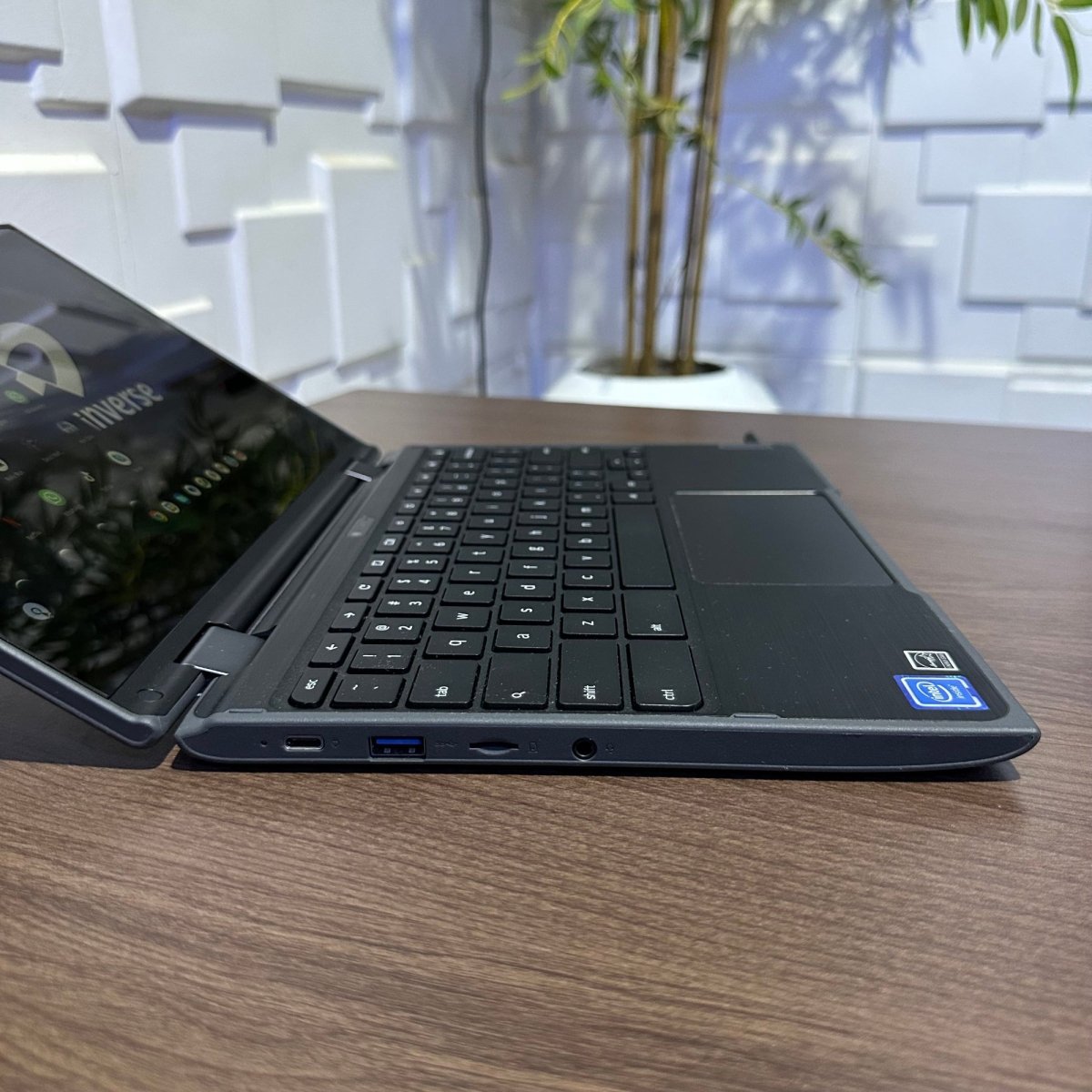
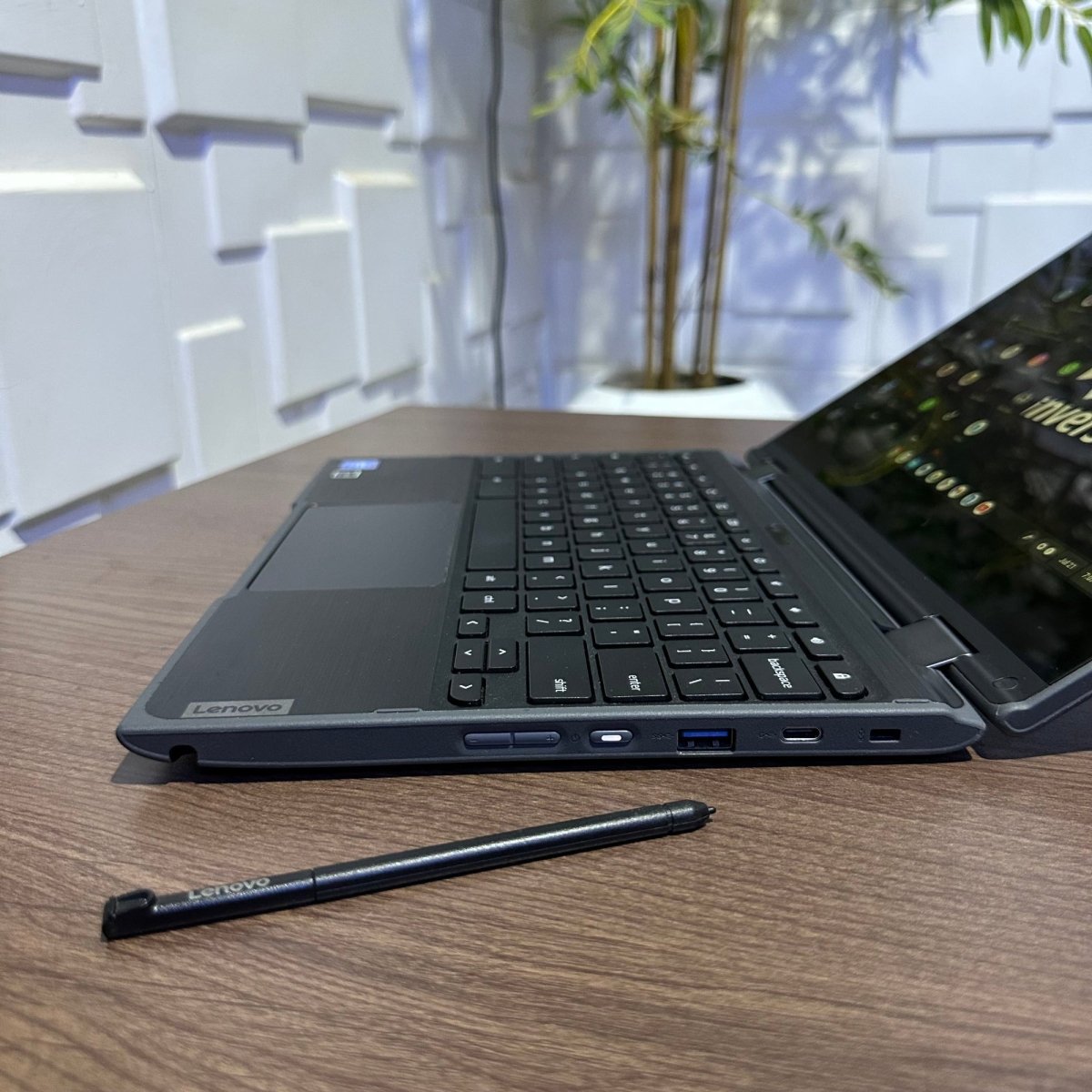
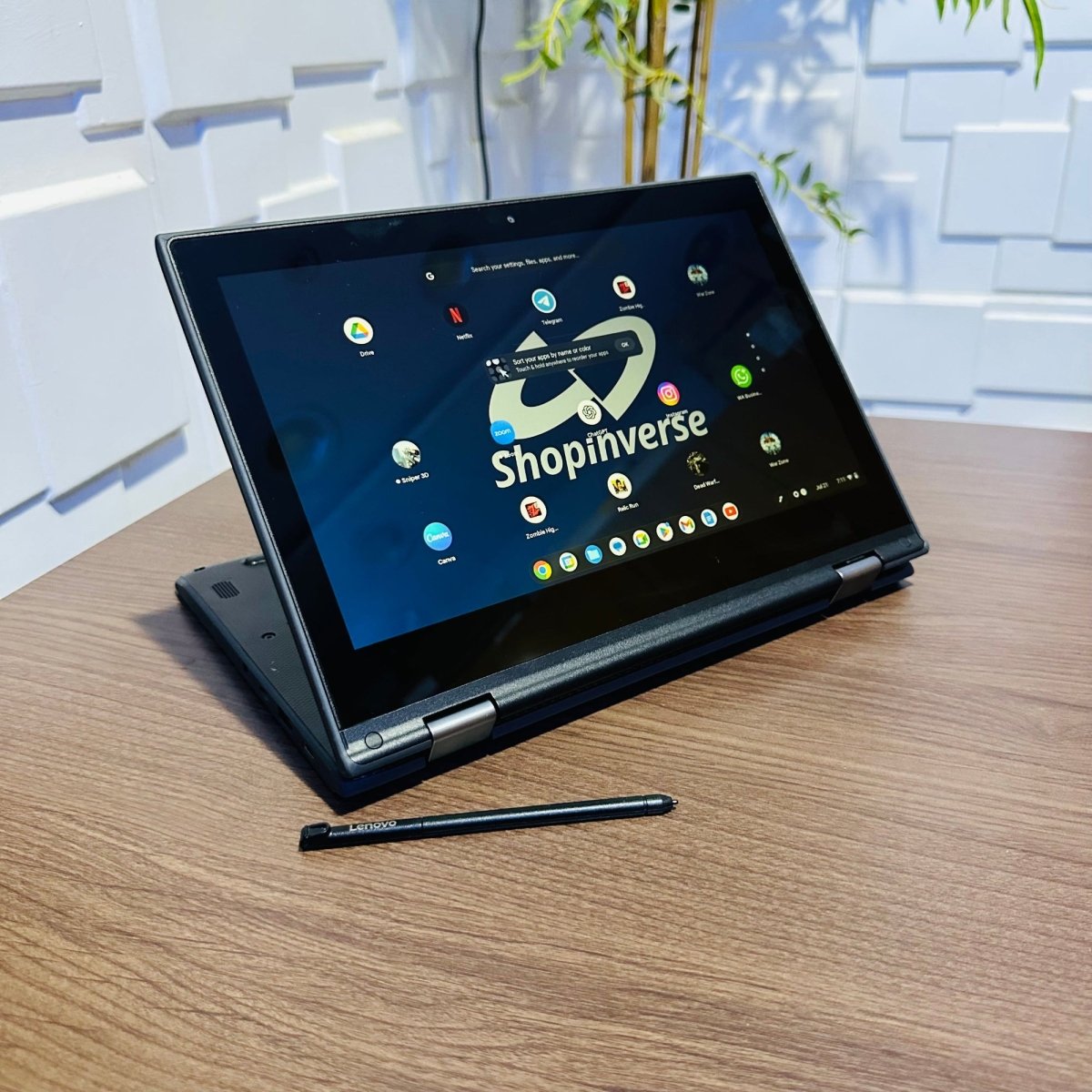
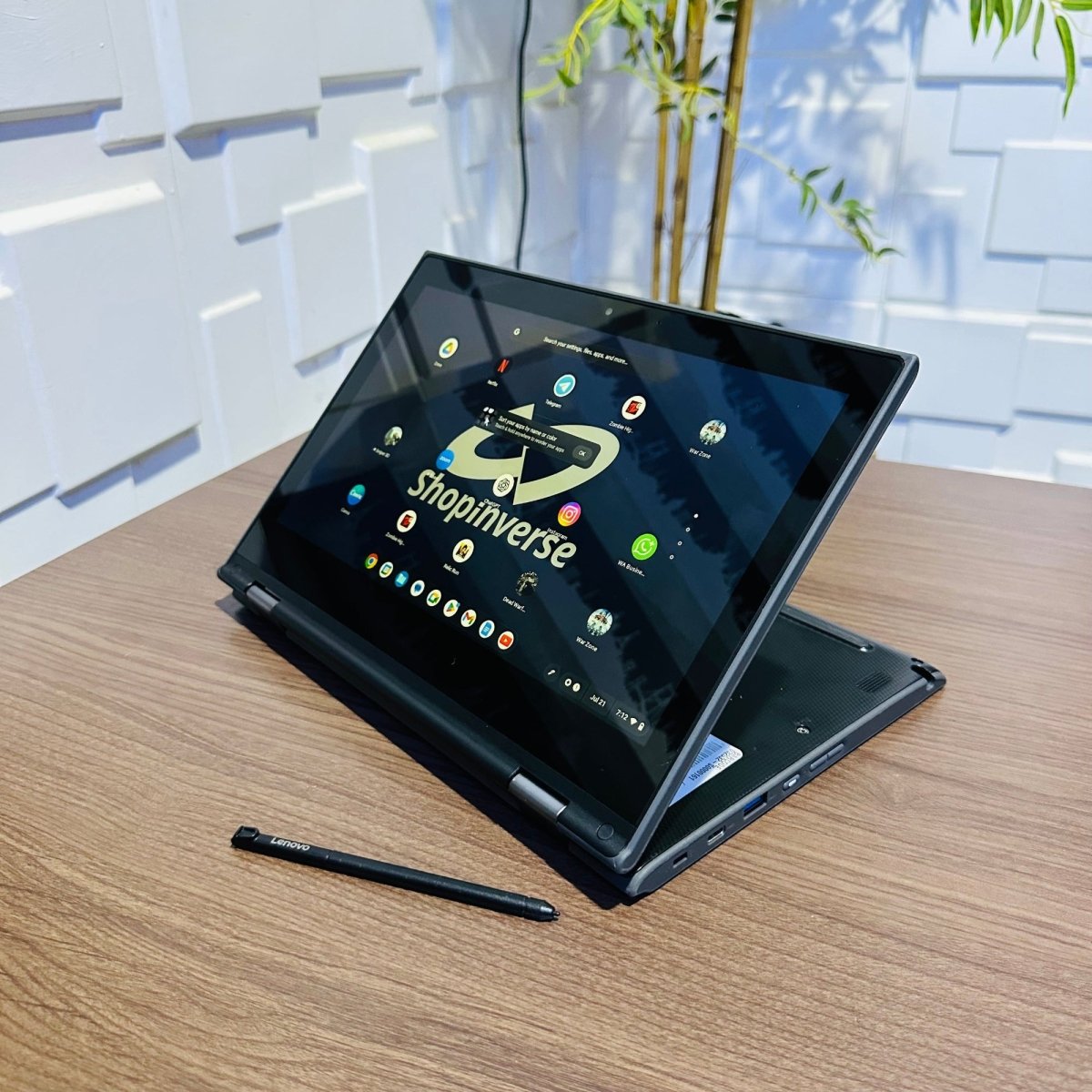
Lenovo 300e Chromebook 2nd Gen | Intel Celeron N4020 | 4GB RAM | 32GB eMMC | Touchscreen
Flexible Touchscreen Chromebook for Learning, Browsing & Daily Use
Product highlights
Display
RAM
Storage
Premium Pre-Owned
Complete Your Setup
Couldn't load pickup availability
Pickup available at Maryland Mall
Usually ready in 24 hoursIn stock! Ships within 1-2 business days.
Complimentary shipping & returns
30-days Warranty
Lenovo 300e Chromebook 2nd Gen | Intel Celeron N4020 | 4GB RAM | 32GB eMMC | Touchscreen
If you have any questions, you are always welcome to contact us. We'll get back to you as soon as possible, within 24 hours on weekdays.
-
Shipping Information
We guarantee fast and free shipping within 1-2 business days.
-
Customer Support
Give us a few details, and we’ll offer the best solution. You can connect by phone, chat, email, and more.
We are available Monday to Saturday (9 am - 6 pm GMT)
-
FAQ’s
Visit our FAQ page to find answers to common questions.
-
Contact Us
We'd love to hear from you. Our team is here to help. Visit our contact page to send us a message.
Overview
Compact, Flexible & Designed for Learning
The Lenovo 300e Chromebook 2nd Gen is a compact 2-in-1 Chromebook designed for students, children, online learning, web browsing, research, streaming, and other lightweight everyday computing tasks.
Powered by the Intel Celeron N4020 processor, 4GB of RAM, and 32GB of eMMC storage, it delivers a simple, responsive ChromeOS experience for Google Workspace, educational websites, email, video streaming, online classes, and web-based applications.
Its 11.6-inch HD touchscreen and 360° convertible hinge provide extra flexibility, allowing the device to function in laptop, tablet, tent, and stand modes.
Made for Students, Learning & Lightweight Computing
The Lenovo 300e Chromebook 2nd Gen combines a compact education-focused design with touchscreen functionality and a flexible 360° hinge.
The Intel Celeron N4020 is a power-efficient dual-core processor designed for lightweight everyday computing. Combined with 4GB of RAM, it provides practical performance for browsing, Google Workspace, online classes, research, email, and educational applications.
Its 32GB eMMC storage provides space for essential files and downloads, while ChromeOS is designed to work effectively with cloud-based storage and web applications.
For students and users who primarily work online, the Lenovo 300e offers a simple, portable computing experience.
Important Software Compatibility Information
Know Before You Buy
Chromebook is designed primarily for ChromeOS and web-based computing. Its software capabilities differ from those of a conventional Windows laptop.
It is best suited for:
- Web browsing
- Google Workspace
- Online learning
- Research
- YouTube
- Streaming
- Educational platforms
- Web-based applications
- Lightweight everyday computing
Some Windows desktop applications cannot be installed directly on ChromeOS.
If you specifically need full Windows applications, advanced professional software, demanding programming environments, PC gaming, or Windows-only business software, a Windows laptop would be the better choice.
Key Features
Perfomance
Graphics Performance
Display
Build Quality & Design
Connectivity
Perfect For
Technical Specifications
Condition
Why It's Worth It
What’s in the Box

Professionally Tested Laptop

Fast Charging Adapter

Stylus Pen
Free shipping and returns
FAQs
Please read our FAQs page to find out more.
Will my order be delivered to my doorstep?
Yes, your package will be delivered to your doorstep.
However, in a situation where our dispatch riders cannot reach the provided shipping address, you will be contacted to pick up your order at the nearest public location or designated pickup center.
When will my order be shipped?
In-stock orders are processed and dispatched within 24 hours of payment confirmation. Pre-order items have separate delivery timelines displayed on their product pages.
What is the expected delivery timeframe for my order?
Delivery time depends on your location. Orders within Lagos State typically arrive within 24–48 hours, while deliveries outside Lagos may take 3–7 business days.
Please note that delivery times may vary slightly based on the courier service. Shopinverse partners with trusted logistics providers to ensure your package arrives as quickly and safely as possible.
How do I track my order?
Once your order is shipped, a shipping notification will be sent to the email address you provided at checkout. To track your order, visit the Order Status page and log in using your order number and email address.
How do I request an upgrade?
Select the product you want to purchase. On the product page, scroll to the Configure Your Device section and choose the specifications you want to upgrade. Once selected, click Add to Cart and proceed with your purchase.
Can I upgrade later?
In most cases, yes. Many laptops allow RAM and SSD upgrades after purchase. Contact our support team before buying if you’re unsure about your chosen model.
Do warranties apply to used products?
Yes, all products purchased from Shopinverse, both used and brand-new, come with a warranty. We are committed to ensuring your peace of mind and satisfaction with every purchase.
Do your Windows PCs come with a Windows license?
Most Windows PCs are supplied without a licensed Windows activation unless otherwise stated on the product page. You can purchase and activate a genuine Microsoft license at any time.
What is your return policy?
If you receive the wrong product or an item that arrives damaged or significantly different from your order, please contact us within 7 days of delivery. We’ll investigate promptly and arrange a replacement or appropriate resolution where eligible.
We encourage you to review our full Refund Policy for more details.